How VeraVote Works
A step-by-step walkthrough of creating, running, and verifying elections on VeraVote
Demo Video
A step-by-step walkthrough of creating, running, and verifying elections on VeraVote
5-minute walkthrough of the full VeraVote election flow
Introduction
Overview of the VeraVote election lifecycle.
VeraVote enables organizations to conduct secure, verifiable elections using a strictly controlled voter enrollment process. Unlike open survey tools, VeraVote relies on a pre-defined voter roll to ensure that only authorized participants can cast a ballot.
This guide provides a comprehensive walkthrough of the election lifecycle, from initial organizational setup and voter list ingestion to the final cryptographic verification of results.
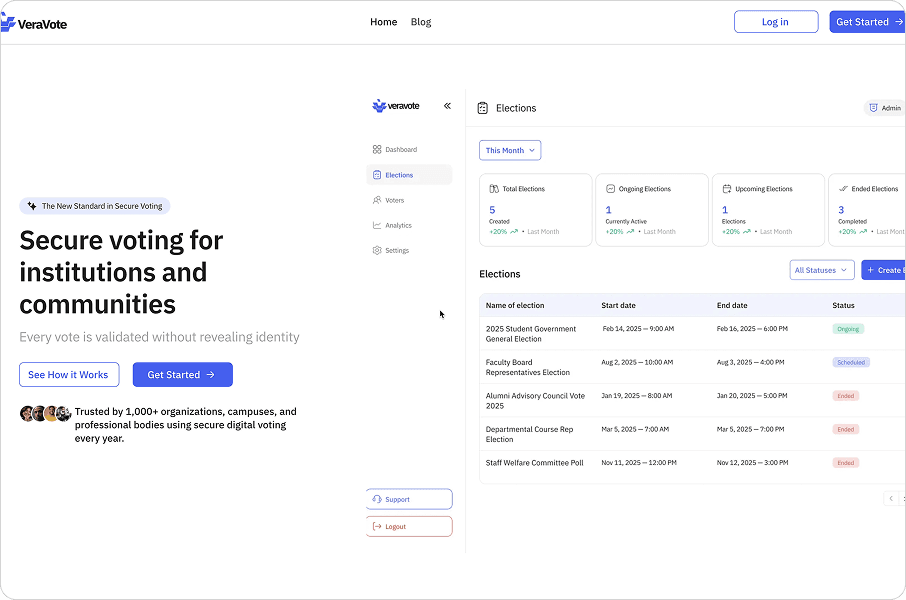
The VeraVote dashboard overview.
Creating an organization
Setting up your institutional identity on the ledger.
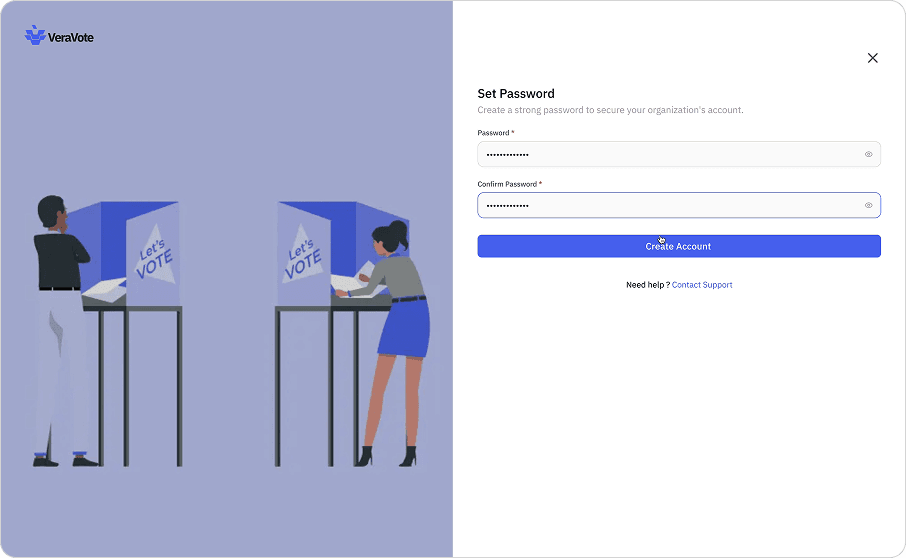
The first step in using the platform is establishing an Organization. This entity serves as the secure container for all your elections, voter data, and audit logs.
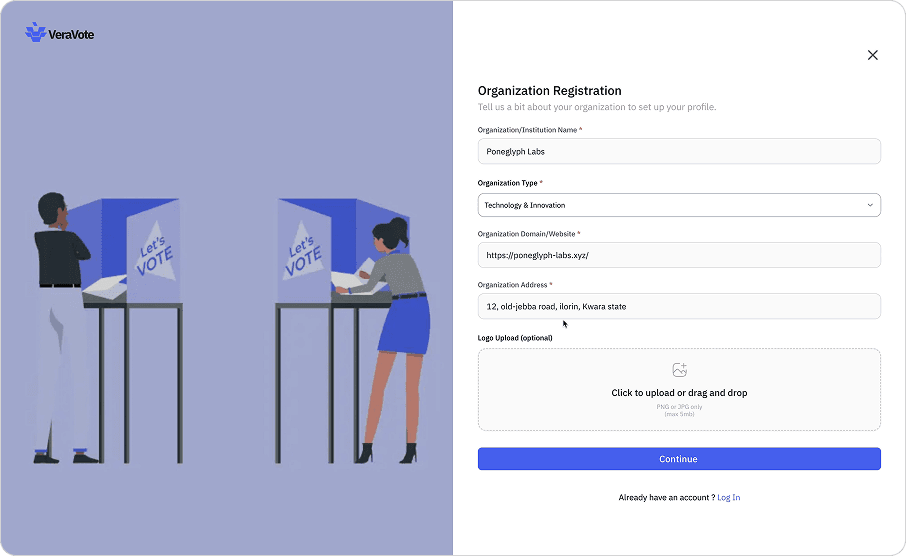
Organization registration form.
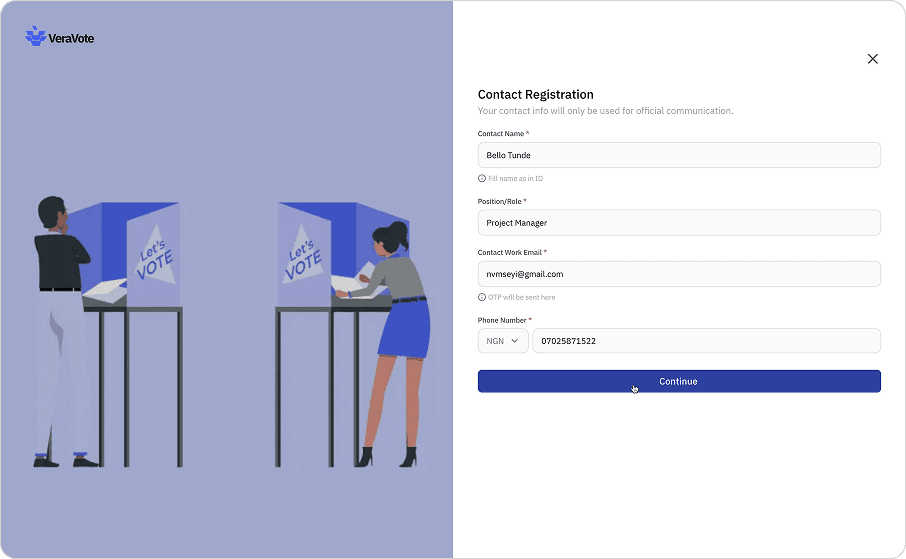
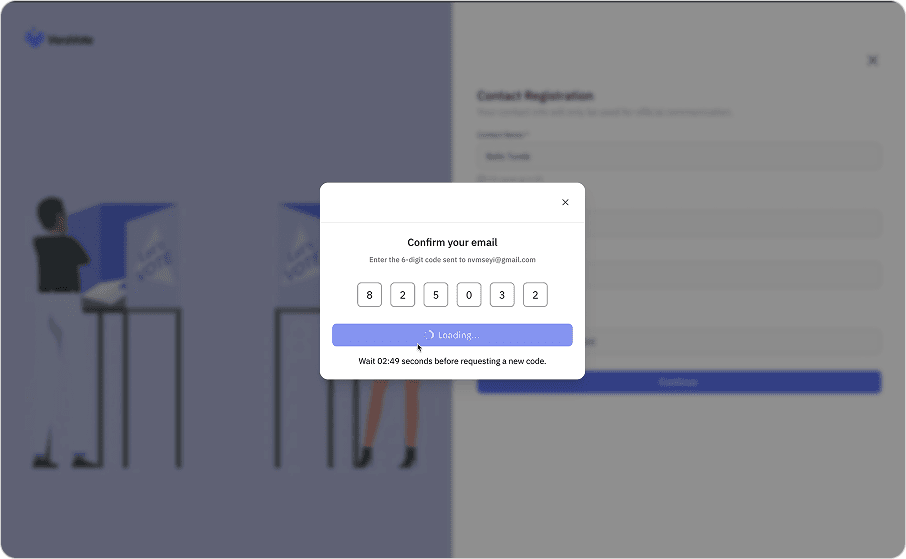
Administrators define the organization's profile and verification settings. Once established, the organization identity is used to digitally sign all election artifacts, ensuring authenticity and traceability throughout the governance process.
Empty organization dashboard state.
Empty organization dashboard state.
Empty organization dashboard state.
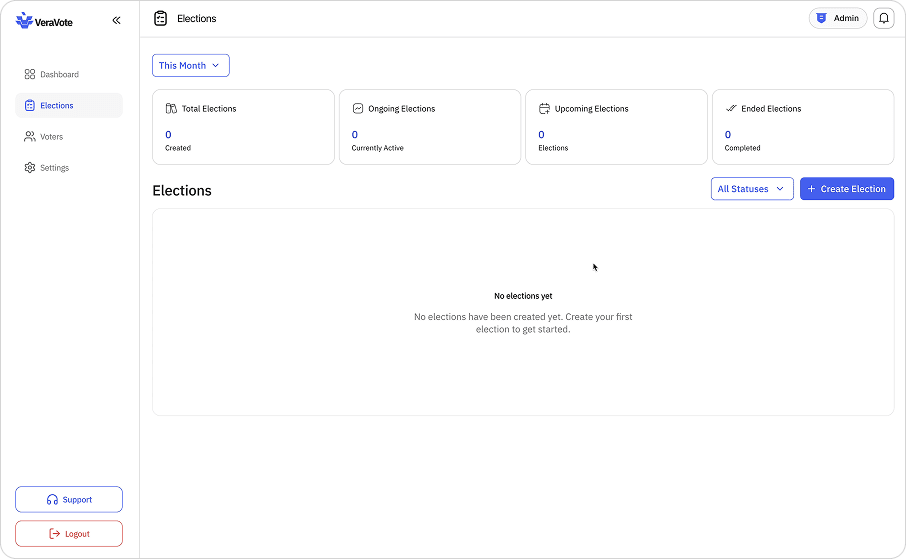
Empty organization dashboard state.
Creating an election
How organizations configure elections before voting begins.
Within your organization, you can create new elections. This phase involves defining the structural parameters of the vote before any participants are involved.
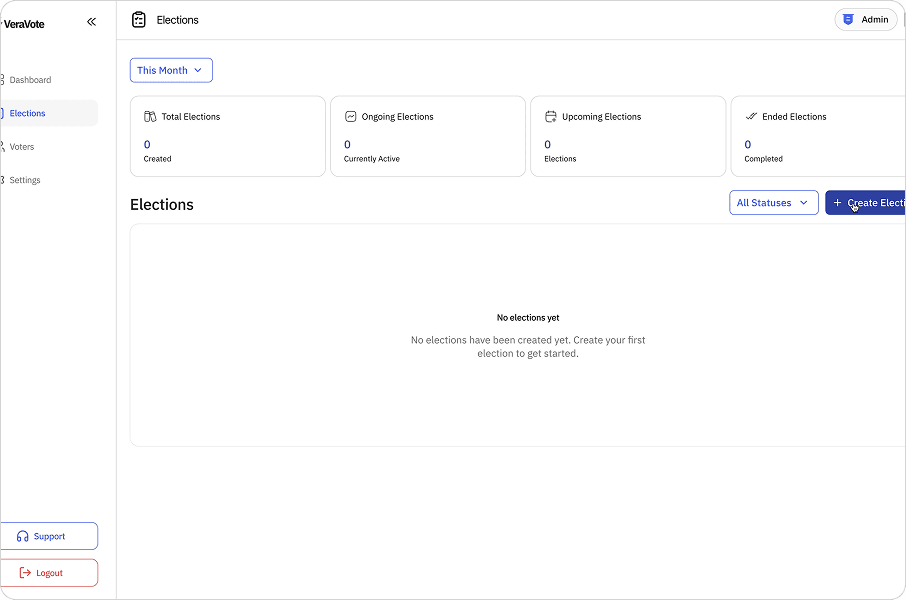
Election setup screen showing positions and candidates.
Administrators set the election title, detailed description, and the specific start and end times for the voting window. You will also configure the ballot itself—adding positions, candidates, or referendum questions—and define the specific voting rules (e.g., plurality, ranked choice) that will govern the tally.
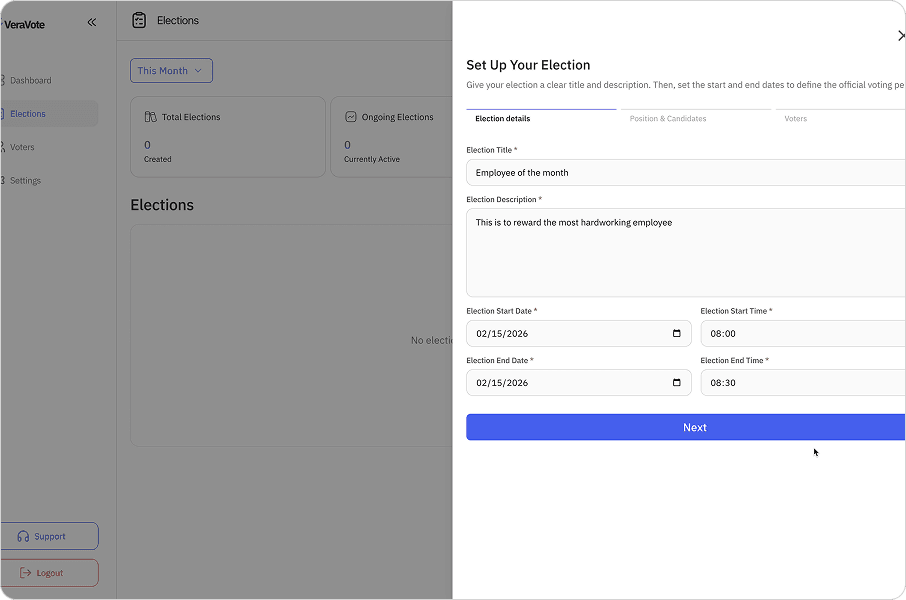
Election setup screen showing positions and candidates.
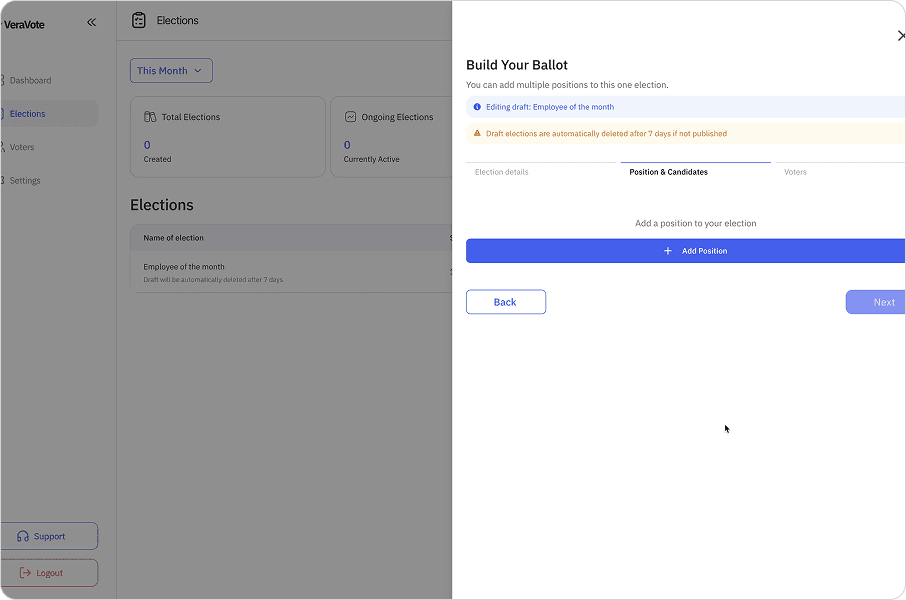
Election setup screen showing positions and candidates.
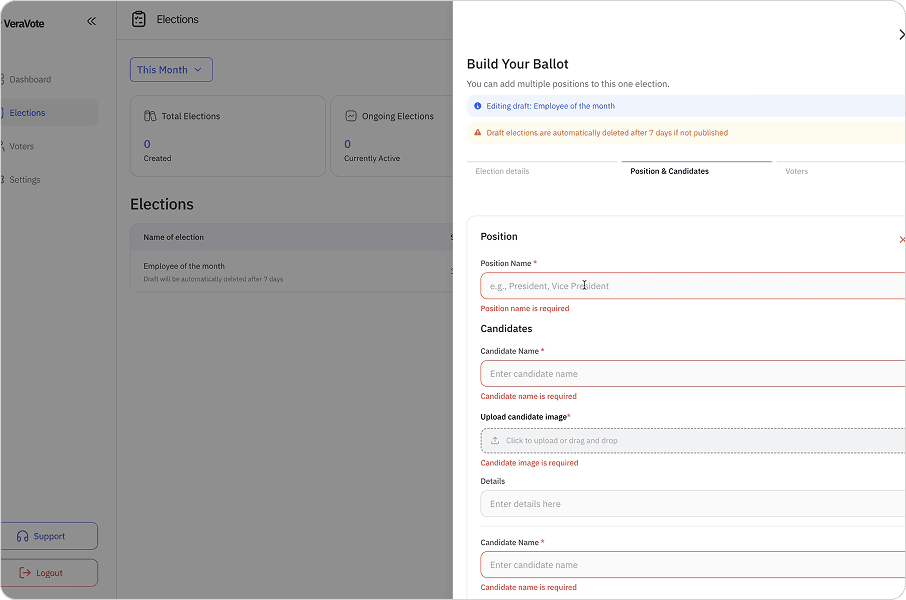
Election setup screen showing positions and candidates.
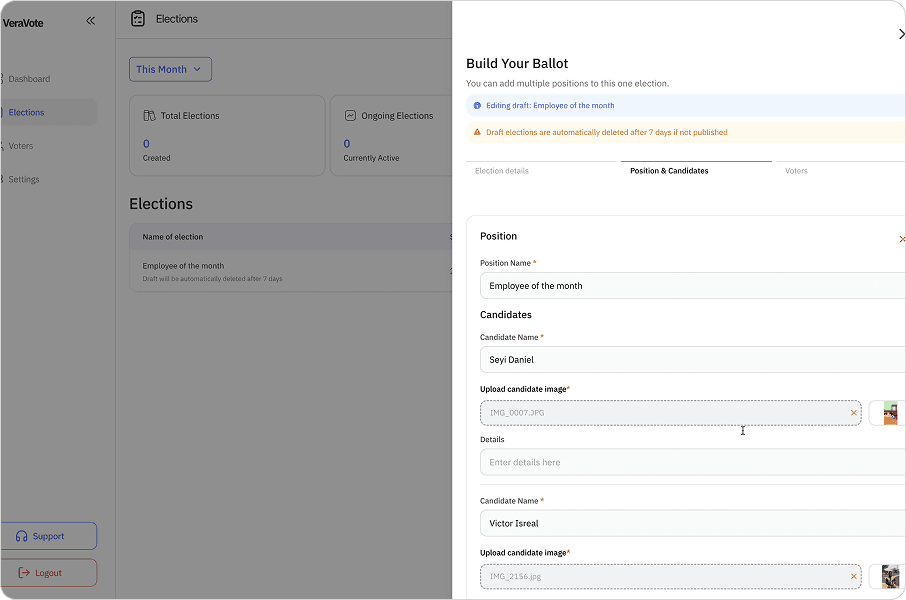
Election setup screen showing positions and candidates.
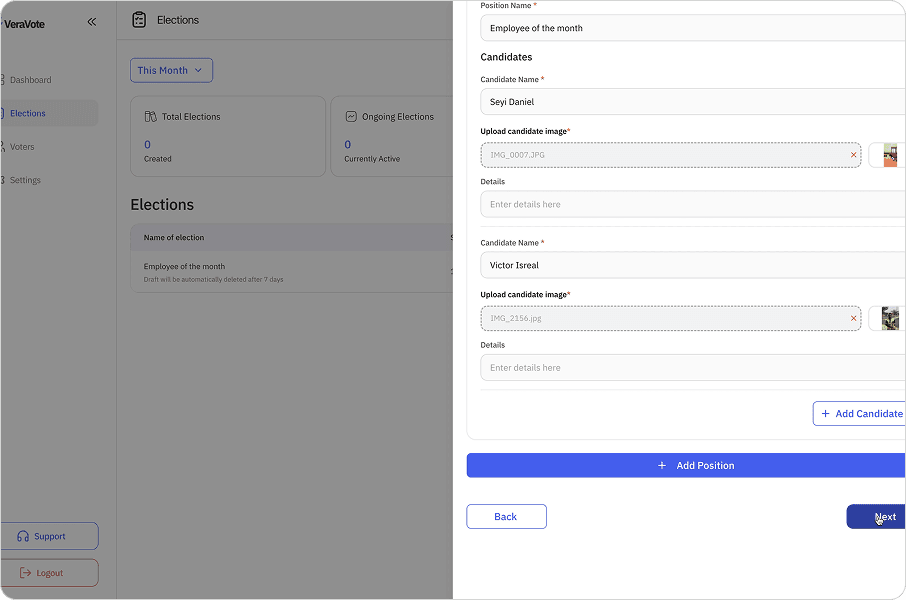
Election setup screen showing positions and candidates.
Adding Participants (CSV Import)
Distributing access without managing voter lists.
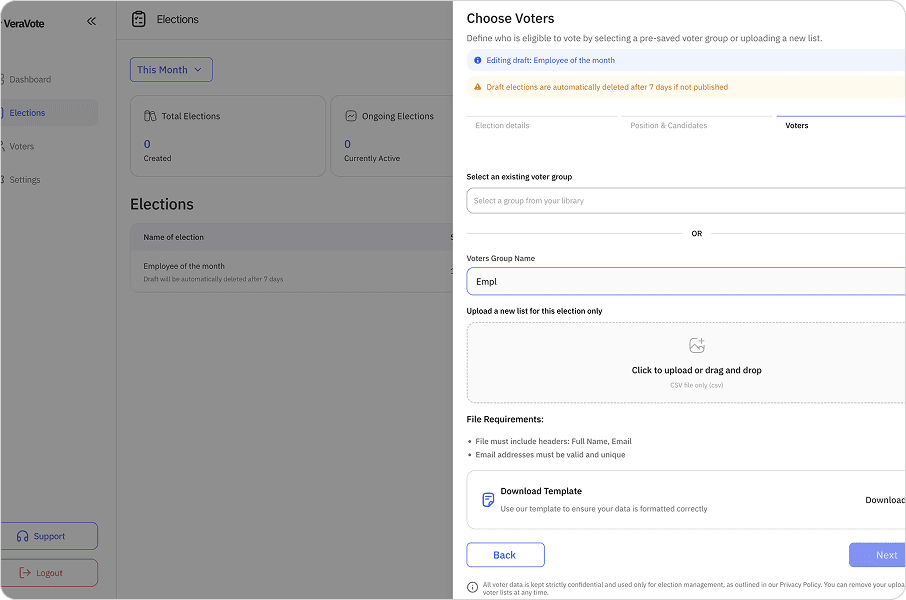
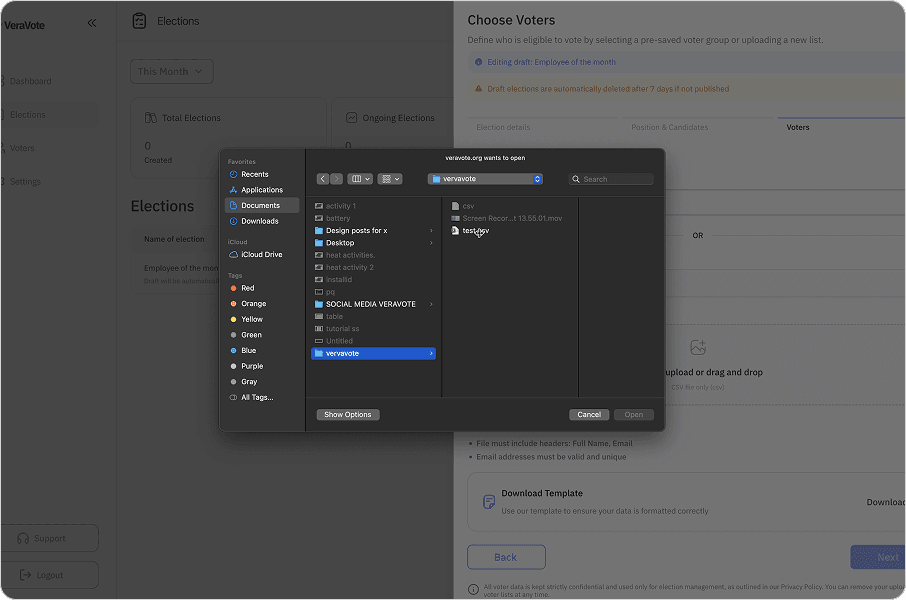
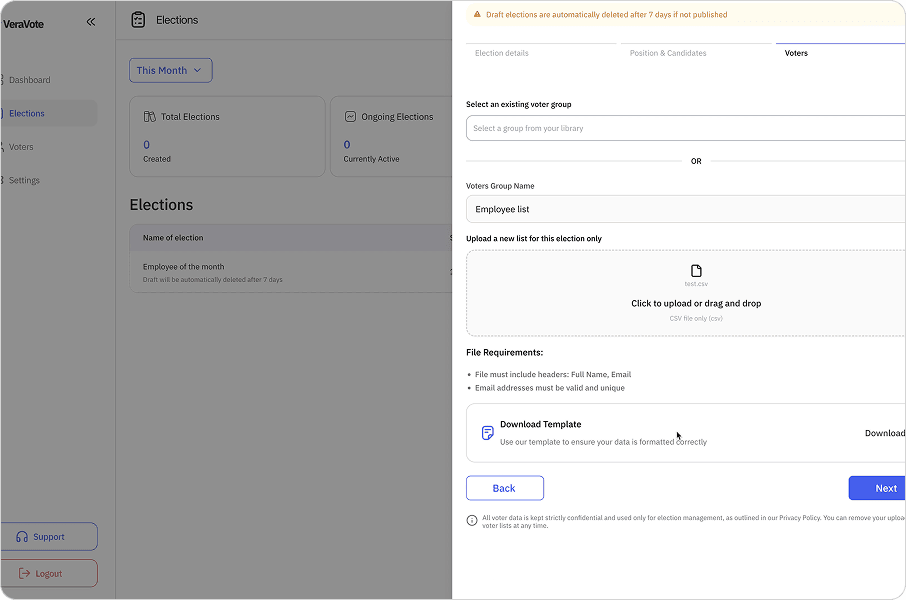
VeraVote utilizes a strict voter roll system. Eligible voters are added to the election by uploading a CSV file containing the authorized participant list.
The CSV must include specific required fields, typically: Full Name, Email Address. The system automatically processes this file upon upload.
Voters Upload form
Voters Upload form
Voters Upload form
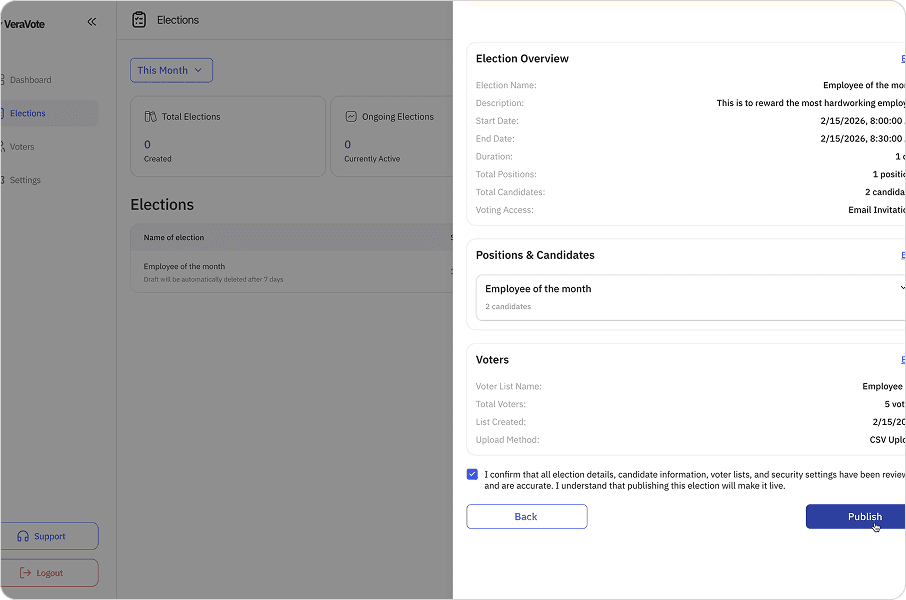
After Importing, VeraVote redirects you to a review page where you can examine the imported records in detail.
Voter list upload interface for review.
Voting Process
Secure, anonymous participation for eligible voters.
Once the voter roll is finalized and confirmed, the system generates a unique voting link for each individual participant.
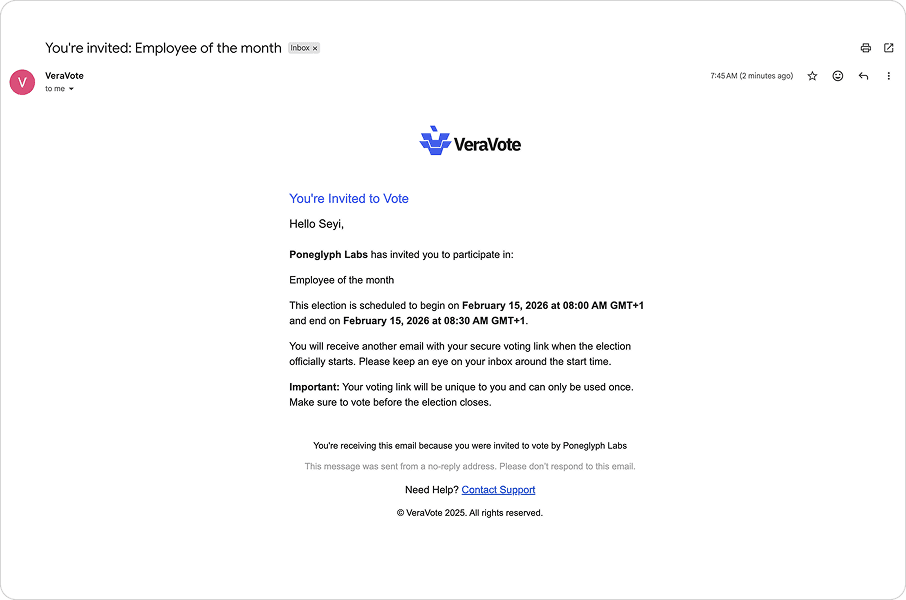
Voter eligibility check screen.
These are not public or shared links. Each URL is cryptographically unique, single-use, and mathematically tied to a specific voter record. This mechanism ensures that each voter can only access the ballot once and that their specific eligibility token is valid, preventing double-voting or unauthorized access.
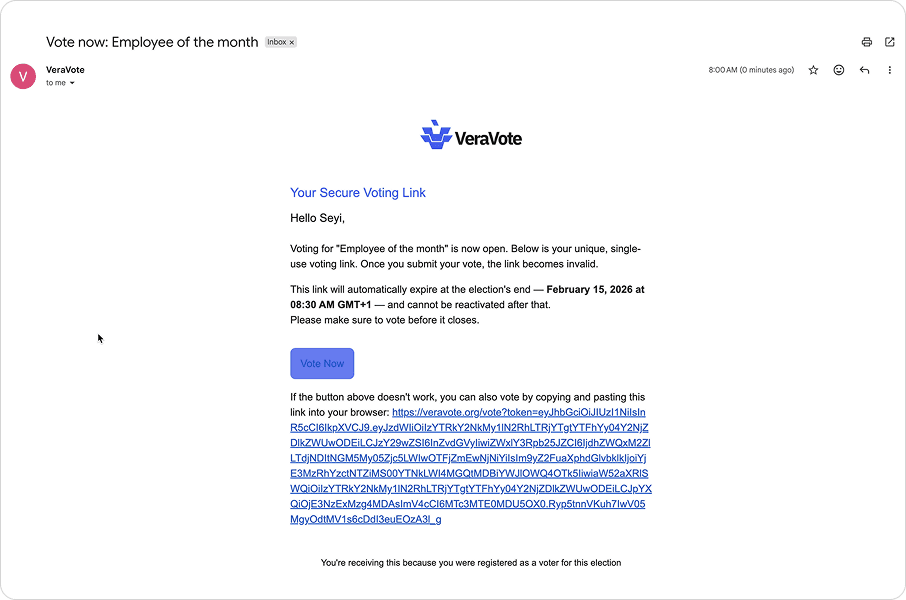
Voter eligibility check screen.
Voters receive their individualized links through secure distribution channels (typically email). Upon clicking the link, they are directed to the secure ballot interface.
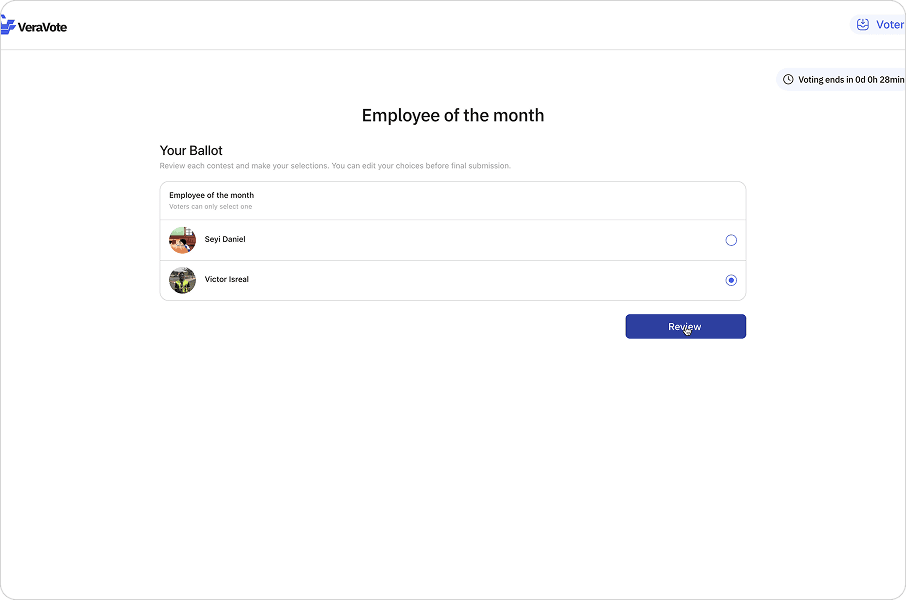
Voter eligibility check screen.
The voter makes their selections and submits the ballot. Behind the scenes, the vote is encrypted locally on the device before transmission. The system records the encrypted vote and marks the unique link as "used" to prevent replay attacks. The voter receives a confirmation receipt, but their identity is cryptographically decoupled from their specific choices.
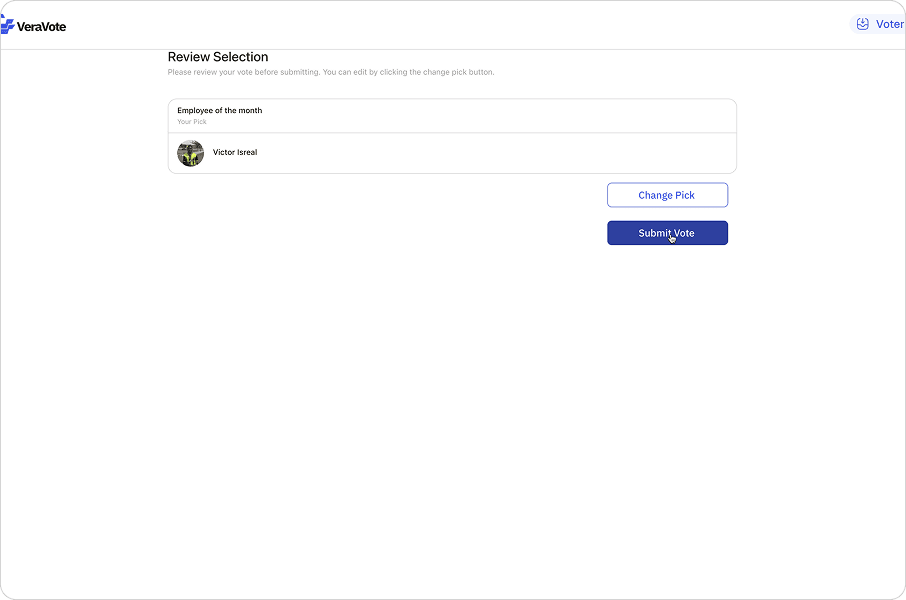
Ballot selection interface.
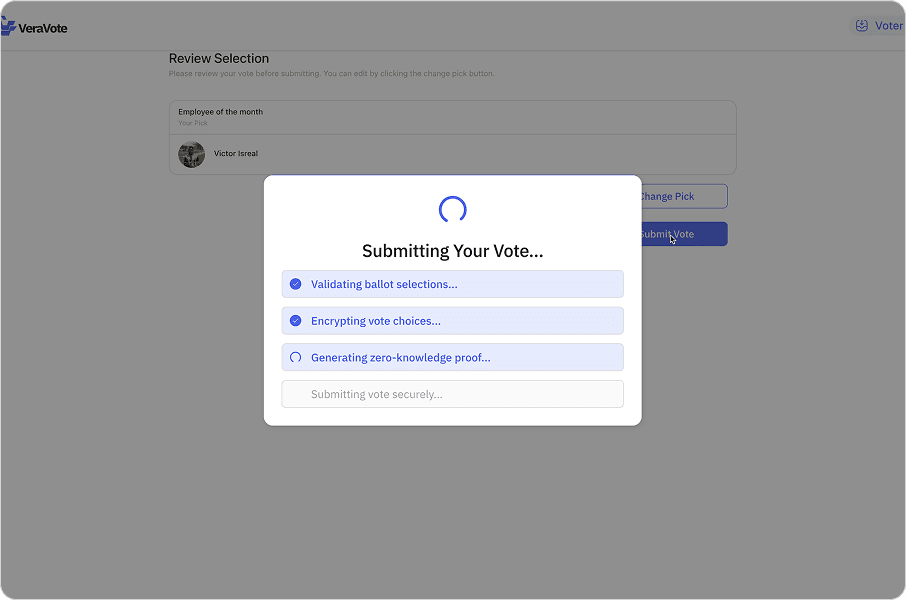
Ballot selection interface.
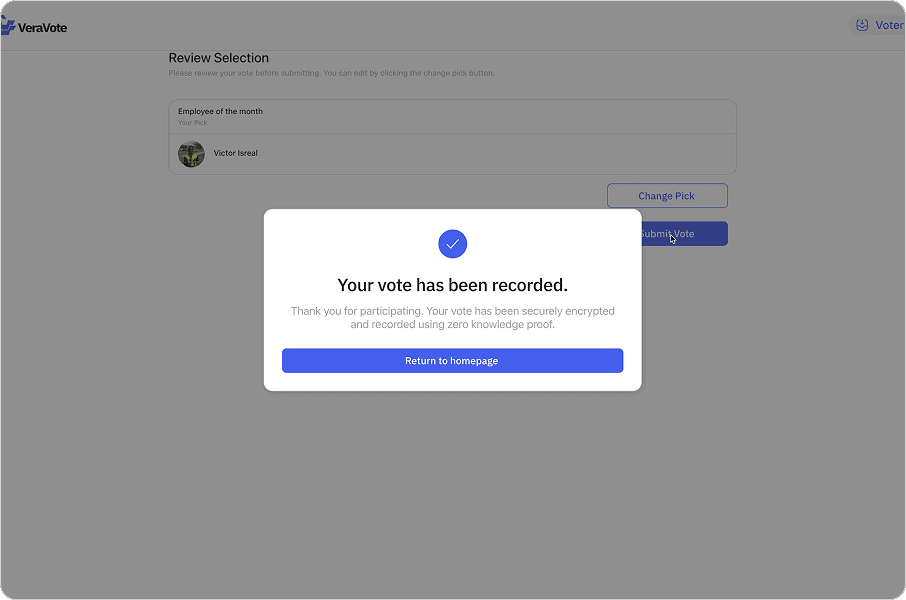
Ballot selection interface.
Results & verification
Tallying votes and proving the outcome.
After the voting window closes, the election enters the tallying phase. Results are computed from the encrypted ballots.
The final outcome is displayed alongside a cryptographic proof. This allows any stakeholder to verify that the tally was conducted correctly without revealing individual votes.
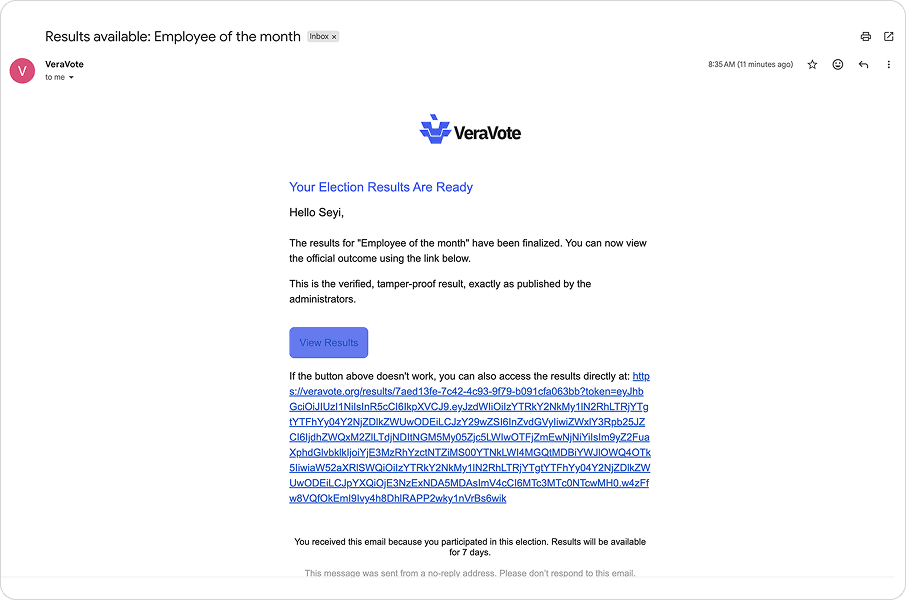
Results breakdown with verification badge.
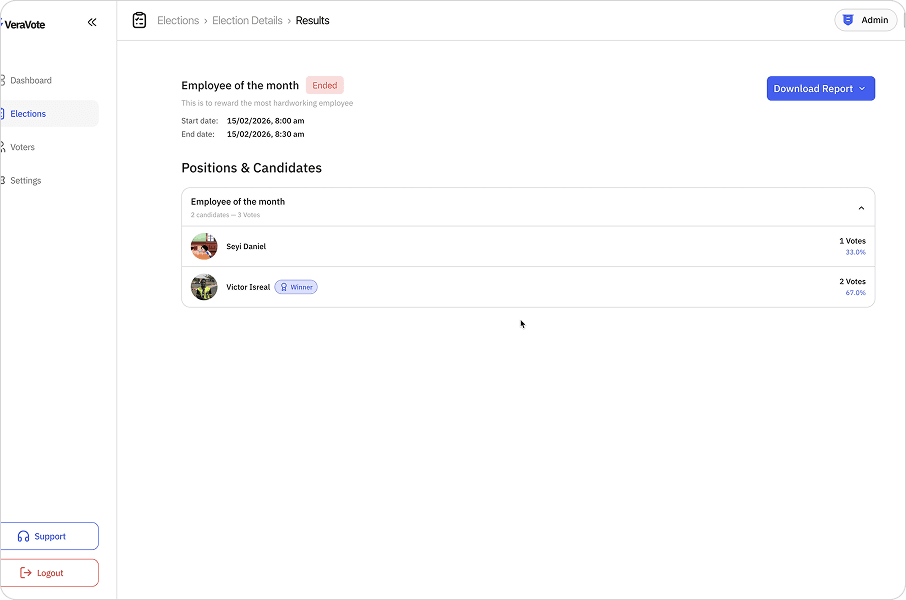
Results breakdown with verification badge.
Reports & exports
Generating official documentation for audits.
Admins can generate detailed reports for compliance. These exports include participation metrics, results, and the verification proof hash.
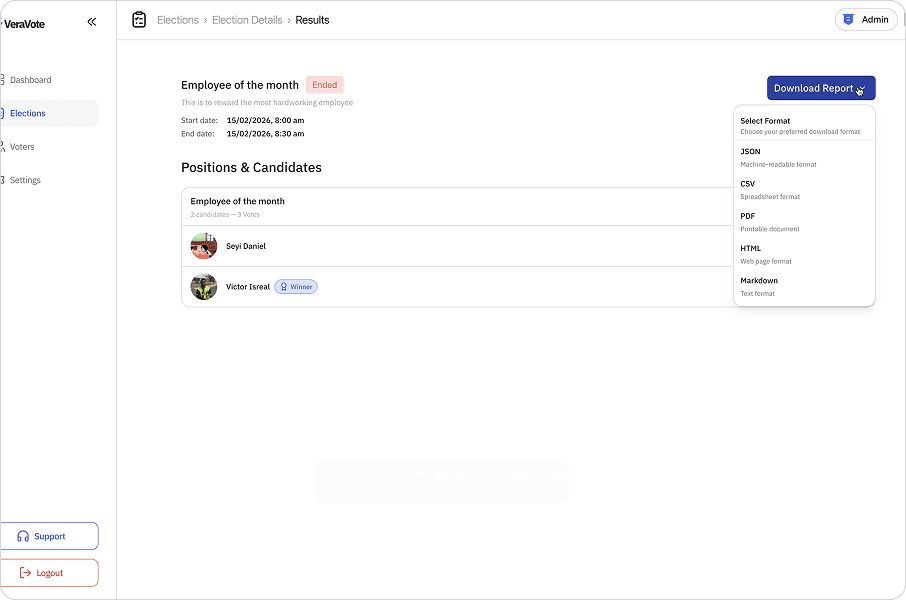
Report generation screen selecting "Election Report".
Final reports are downloaded as PDF or CSV files, serving as the immutable record of the governance event.
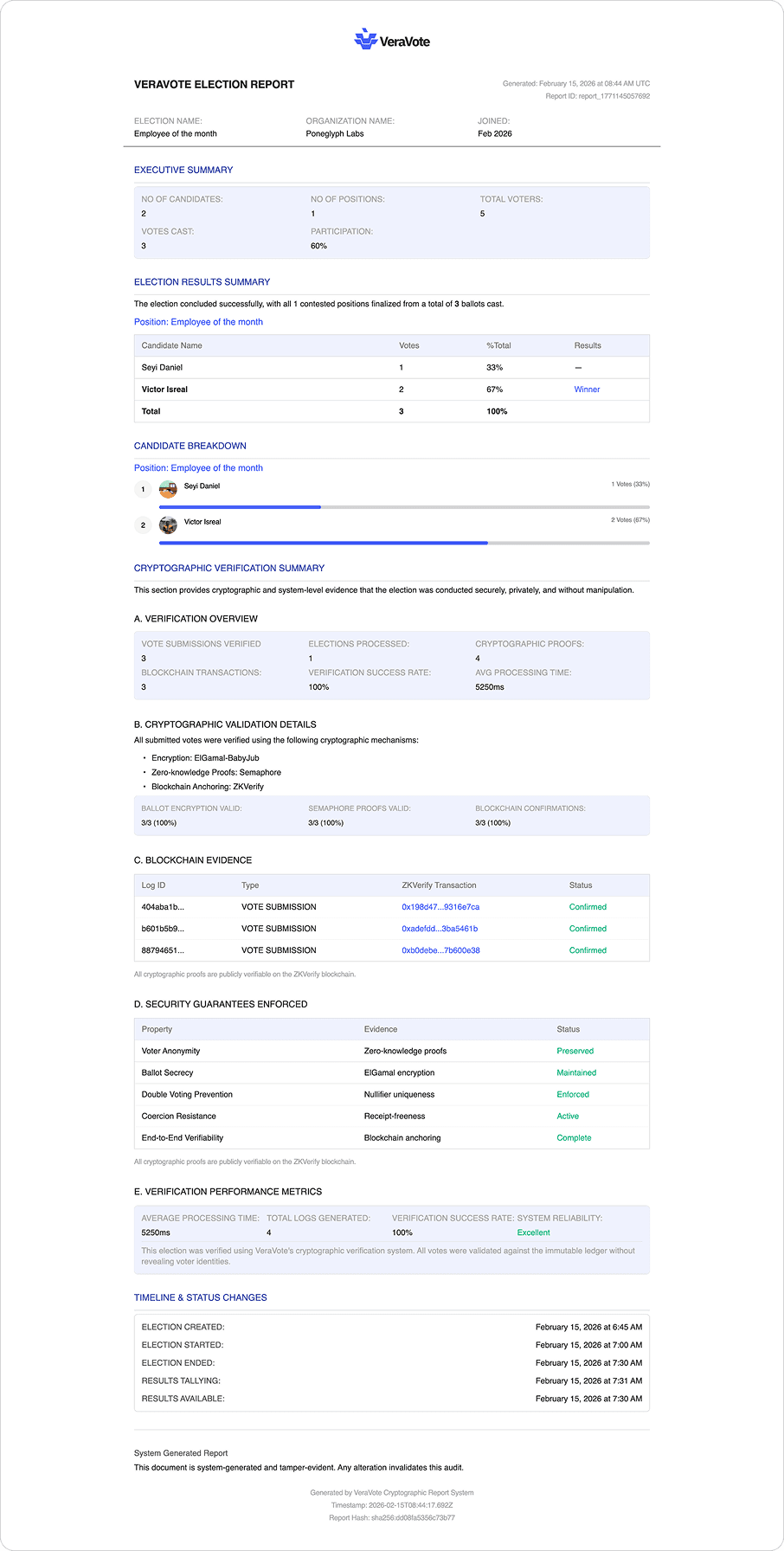
Preview of a generated PDF election report.